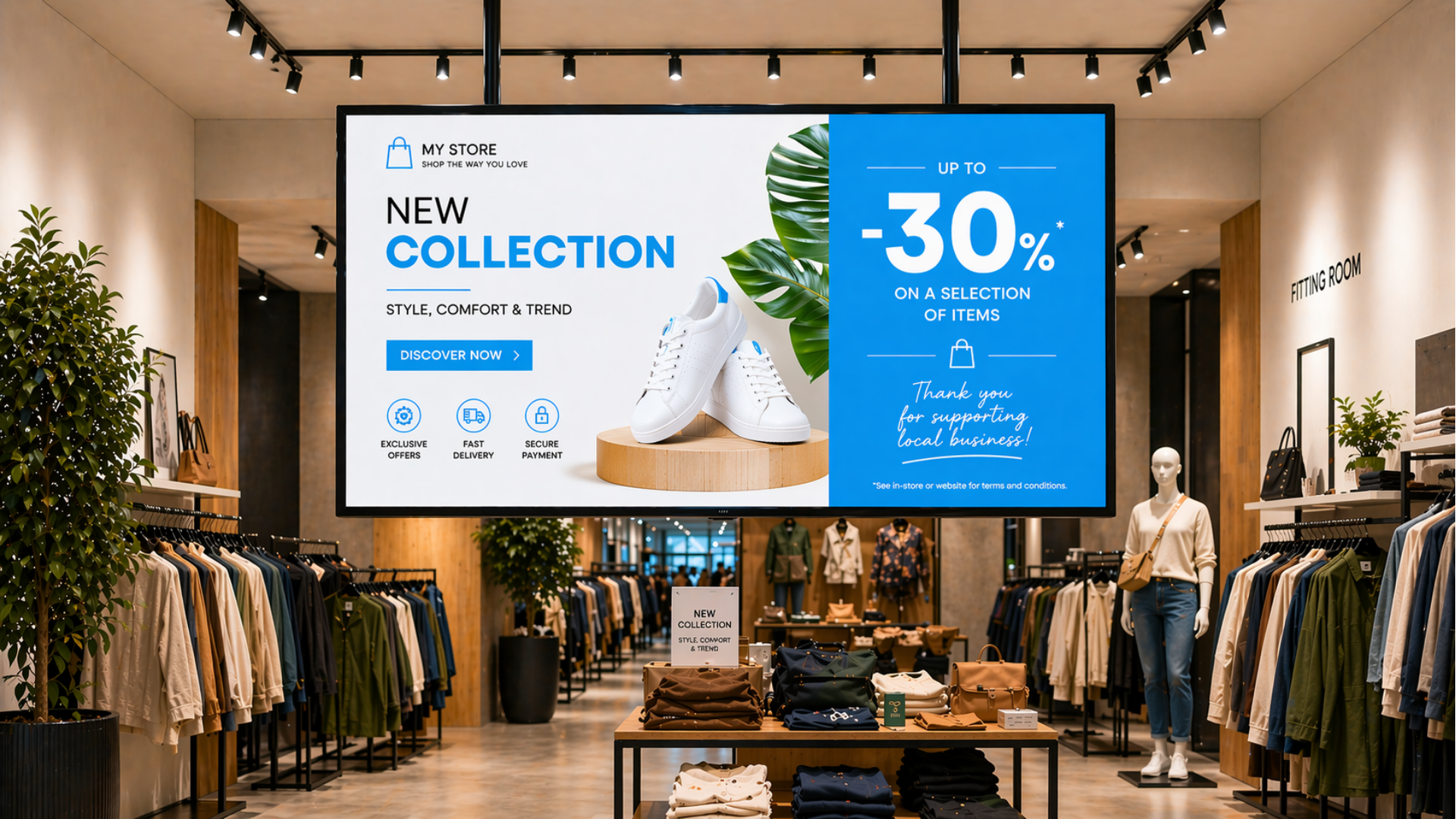
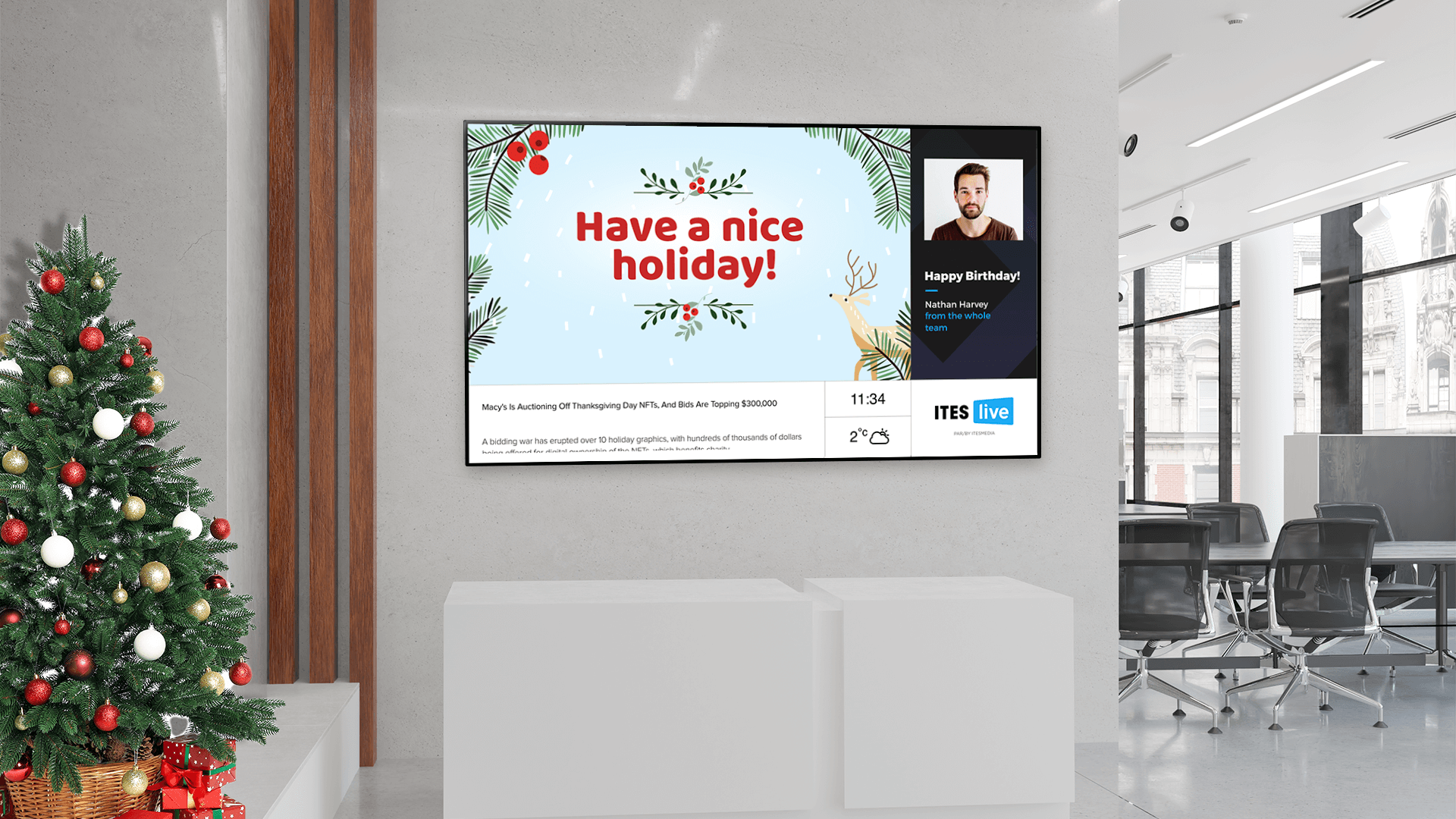
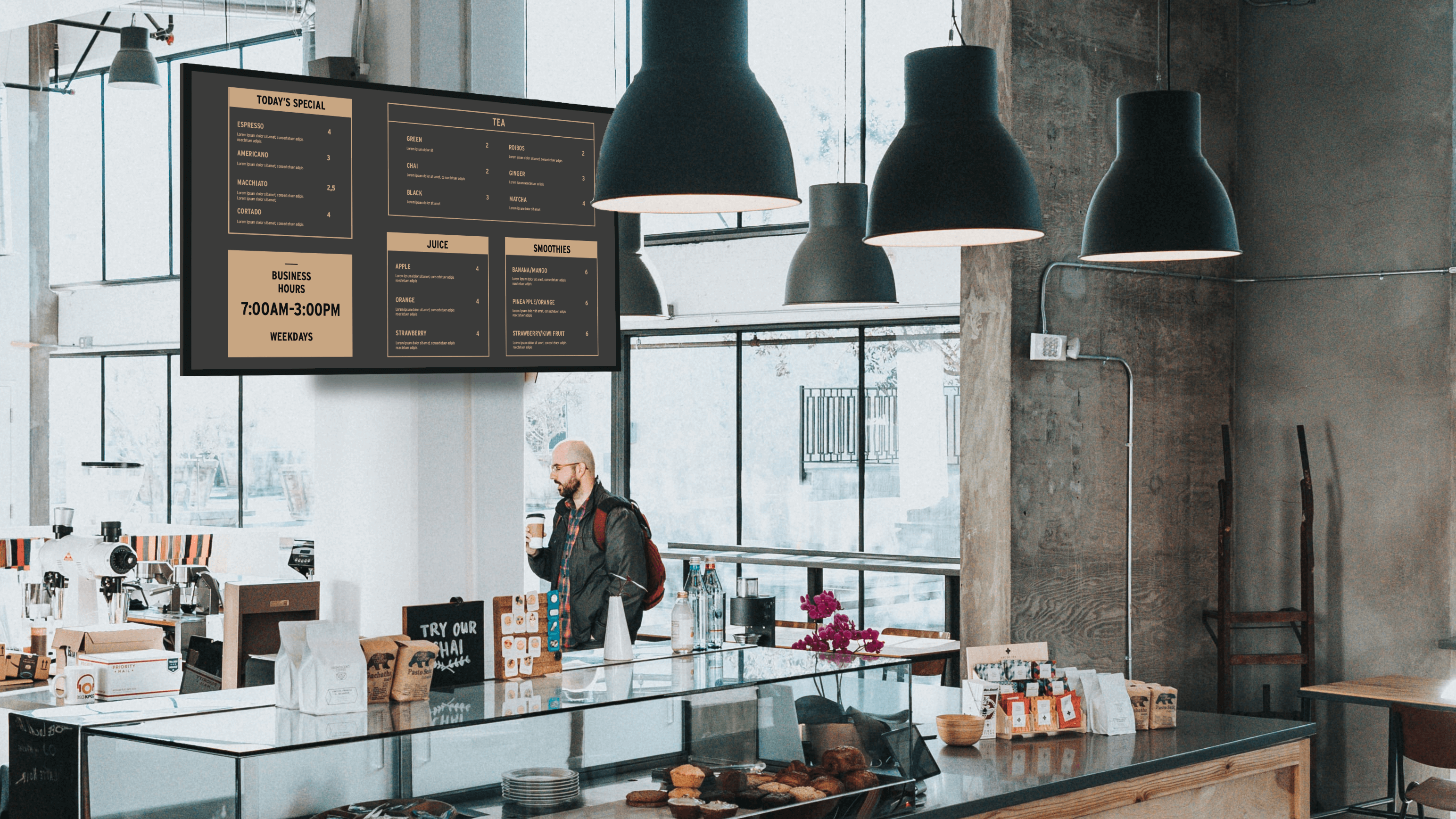
Traditionally, retailers have used printed posters or physical displays to communicate their promotions and information. Today, more and more retailers are adopting digital signage, a flexible, modern and far more attractive solution for capturing customers' attention.
After reading this article, you'll have an overview of the essentials for setting up a digital signage project suitable for retail businesses.
The costs
For a retail digital signage project, you need to budget around $2,500 to $3,500 per screen for initial costs, including equipment, configuration and installation. To this must be added $460 per screen, per year, for software.
These costs may vary according to several factors:
- Visual content creation(images, videos, animations)
- Integration with your point-of-sale system (POS)
- Luminous environment (e.g. window display in direct sunlight)
- Use of multiple synchronized screens
- Electrical work or modifications required
The essentials
Four key elements are essential to the implementation of a digital signage project in a retail outlet: software, equipment, content strategy and installation. The overall cost of the project is based on these four components.
Software
Digital signage software allows you to create, manage and broadcast multimedia content on screens, all remotely.
Quickly edit promotions
Changing promotions quickly becomes a real asset with digital signage. You can change a price, announce a discount or highlight a product in just a few clicks. These changes can be made in real time. This allows retailers to react quickly to trends or traffic. What's more, it eliminates the need to print or replace posters, greatly simplifying operations.
Bundles
ITESMEDIA offers a range of bundles to suit different needs and budgets. The Starter version is generally best suited to retail store, as it makes it easy to add images and videos, and to plan content. In most cases, it meets basic needs perfectly. For companies with several points of sale, a more advanced version may be considered. For example, the Pro version includes integrated templates that make it easy to modify content directly within the platform, enabling you to quickly adjust prices or change the items displayed. Finally, the Premium version is designed for even more advanced needs, with the option of integrating the software with POS or other systems to automate display.
Equipment
Screens and stands
To choose the right display, several factors should be considered: the number of hours of daily use, the ambient brightness, the desired orientation (portrait or landscape), the screen size, and the intended configuration, such as a video wall with minimal bezels. In very bright environments or for continuous use, digital signage monitors are often the best option. This type of display offers great installation flexibility and can integrate the software directly, eliminating the need for an external media player and reducing costs. Finally, it is also important to select a mounting solution suited to your space, especially for more complex installations like video walls.
media player (optional)
If you're not using a digital signage monitor, you'll need to add a small media player behind the screen. When software can't be installed directly on the monitor, this player enables digital signage software to run and content to be displayed.
Read more: Windows media player for digital signage (other options available)
Content strategy (optional)
The content strategy is designed to meet the specific needs of a retail business. It consists of defining reusable templates based on the store's graphic standards. The aim is to create content that is both attractive and easy to update, for example, according to promotions or product changes. The result is consistent, effective visual communication that's easy to adapt on a day-to-day basis.
Installation
Expert installation guarantees professional results, whether for wall-mounted, suspended or window displays. If your screens are already in place, you can install the ITESlive digital signage software yourself. All the steps involved are clearly explained in the online documentation, making installation easy.
You now have all the information you need to make your digital signage project a reality, and to estimate the costs involved. Finally, if you'd like to try out the solution before committing yourself, you can try ITESlive free of charge.