


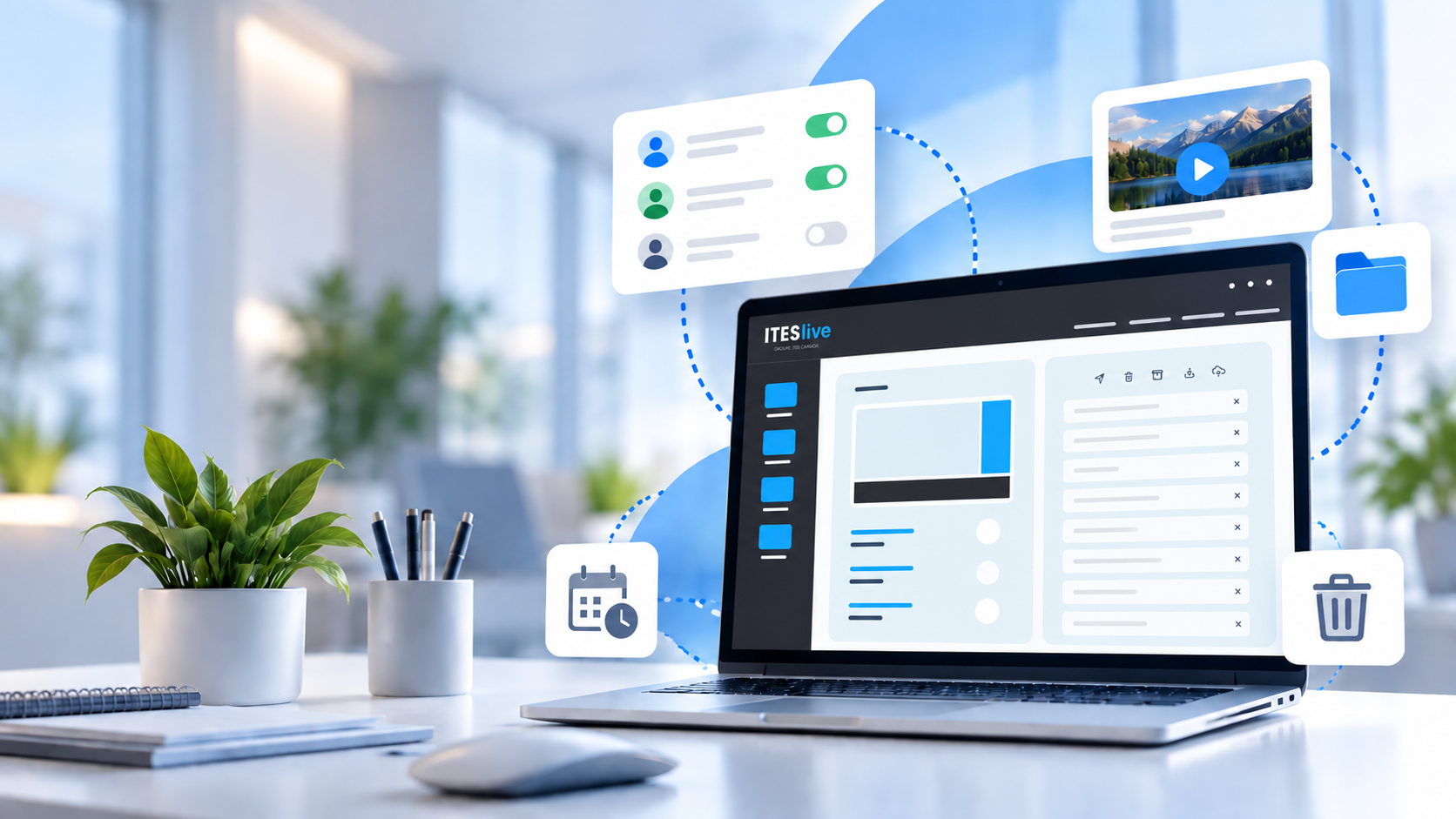
Over time, your digital signage environment evolves: new users are added, distribution lists grow longer, and files pile up. Without regular maintenance, it can become more difficult to quickly find the information you need and to know exactly what is being displayed on your screens.
This evolution is perfectly normal. However, without regular maintenance, an environment that was initially simple to manage can gradually become more complex. It then becomes harder to quickly find content, understand what’s actually being displayed on the screens, or determine who can modify certain settings.
Good organization, therefore, isn’t just about “cleaning up.” It simplifies the day-to-day management of your digital signage, reduces the risk of errors, and facilitates collaboration among different users.
1. Review Users and Their Access Rights
Several people may need to use digital signage software: communications, marketing, human resources, information technology, managers of various locations, and so on.
Over time, this list of users changes. New employees are granted access, some take on new responsibilities, and others leave the organization. As a result, user accounts may remain active in the software for several months after an employee has left.
It is therefore important to regularly verify who still has access to the software and what permissions are associated with each user.
In particular, check:
- whether any accounts belong to employees who have left the organization;
- whether all active users still need access;
- whether their permission levels still match their responsibilities;
- whether any unused accounts can be removed.
Ideally, when an employee leaves the company, their access should be revoked immediately upon their departure. However, since some changes may go unnoticed, a periodic review ensures that only users who truly need access retain it.
This best practice helps you better control access to your environment and maintain a secure system.
2. Organize Your Digital Signage File Library
Over time, a playlist can easily accumulate a large number of clips. Some are expired, others are inactive, or have simply become unnecessary.
When a playlist contains 150 or 200 clips, it becomes harder to quickly see what actually needs to be played, spot duplicates, or identify content that is no longer needed. A task as simple as checking your screens’ schedule can then take much longer.
An overloaded playlist can make it more difficult to:
- identifying currently active content;
- spotting content that has expired or become obsolete;
- detecting duplicate content;
- other users’ understanding of the schedule;
- quickly locating a clip when a change needs to be made.
Take the time periodically to review your lists and remove clips you no longer need.
The goal isn’t necessarily to have as few clips as possible, but rather to maintain a list that truly reflects your current programming and needs.
This practice becomes particularly important when multiple people are responsible for managing content on the same screens. It’s much easier to quickly understand the programming schedule when you don’t have to search through 200 old clips to find the 20 relevant ones.
A well-maintained list thus makes it easier to know what’s airing, where, and when.
3. Set a Default Clip
There may be times when no content is active in a zone for a certain period, even when the schedule has been carefully planned.
The default clip prevents an zone of your screen from remaining blank in this situation. It plays automatically when no other clip in the playlist is active, ensuring continuity in your display.
For this type of content, choose something that remains relevant over the long term and isn’t tied to a specific campaign or time period.
This could include, for example:
- the weather;
- a news feed;
- a general corporate message;
- a welcome message.
This gives you backup content that’s always ready to take over when your schedule doesn’t include any other content to broadcast.
4. Organize Your Files
Images, videos, documents, and other media can quickly pile up in your content library.
When all these files are stored without any particular structure, the library can quickly become difficult to navigate. The more content you have, the harder it becomes to quickly find what you need—especially when multiple colleagues use the same account and add their own files to it.
So take the time to delete files you no longer need and organize the rest into clearly labeled folders.
For example, you can create a structure based on:
- your institutions;
- your departments;
- your content types;
- your campaigns or projects.
The key is to adopt a simple, logical structure that all users can easily understand and use.
The goal is to enable everyone to quickly find the right file without having to sift through dozens of items before finding the one they need.
Better organization to simplify your daily life
Spending a few minutes periodically maintaining your account can make a real difference.
These best practices become even more important as your network grows; the number of screens, pieces of content, and users to manage may increase. Adopting good organizational habits helps maintain a clear and structured environment, even as your needs evolve.
Consistent organization also facilitates collaboration when multiple people are responsible for managing content in ITESlive. This makes it easier for everyone to find the information they need and better understand the existing structure.
However, it’s not necessary to reorganize everything all at once. Periodic reviews allow you to remove what’s no longer useful, adjust certain elements as needed, and maintain a structure tailored to your usage.
By gradually incorporating these habits into your workflow, you’ll spend less time searching for, verifying, or reorganizing your content—and more time managing your digital signage.
SUBSCRIBE TO OUR NEWSLETTER
Stay connected on the latest dynamic digital signage news and get tips for successful signage